Introducing Kavimo Player Version 3 (Vis 3)
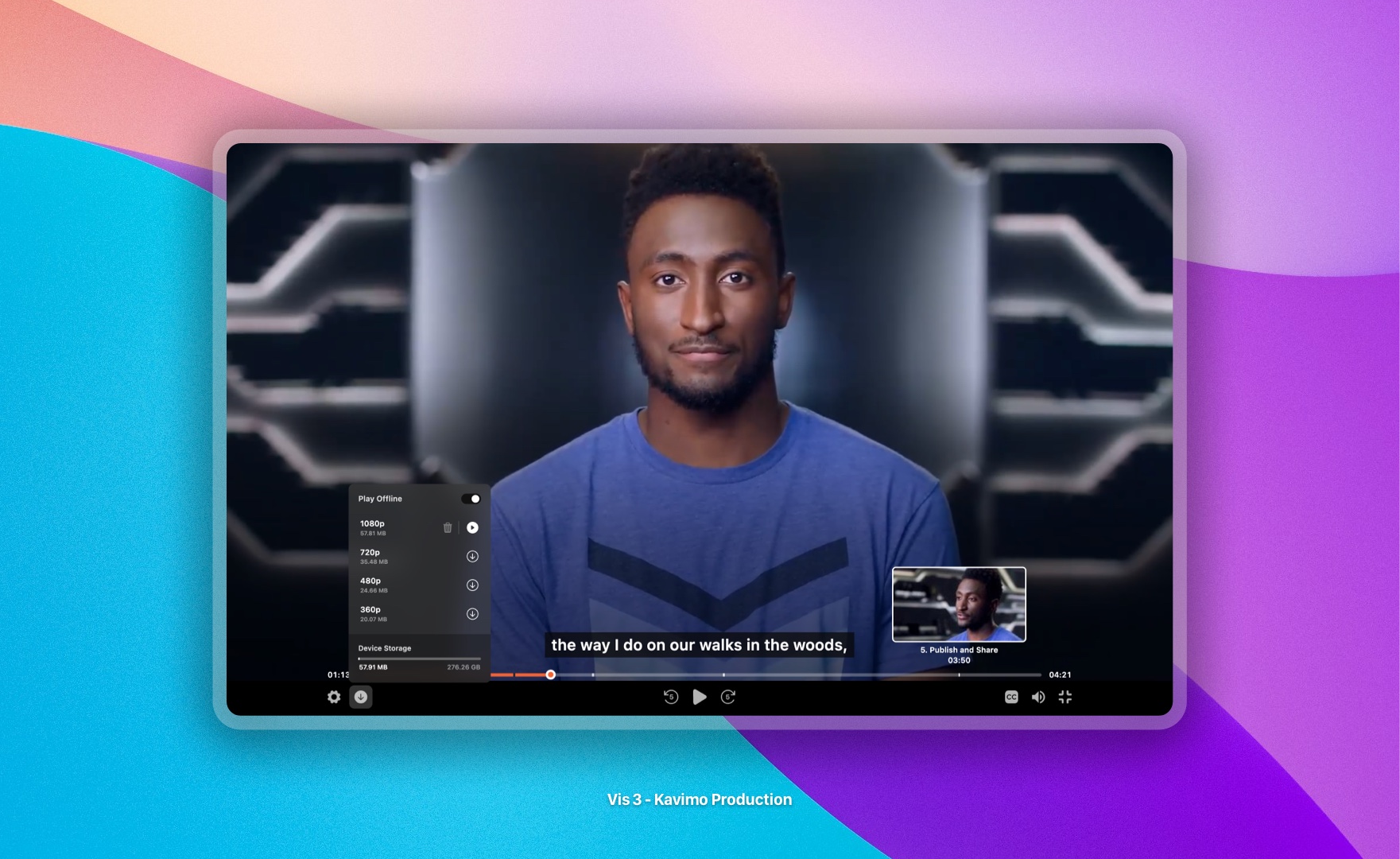
We are proud to introduce the new version of Kavimo's player, named Vis 3, featuring unique capabilities that take your video viewing experience to a new level. In this version, many new features have been added, and all capabilities from the previous version have been rewritten and optimized.
In this version, Kavimo's player design has been completely overhauled. The new player appearance is now more beautiful, user-friendly, and modern than ever. All sections and components of the player have been designed from scratch to provide a better user experience. This redesign has not only improved the player's appearance but also enhanced its performance.
Working with the new Kavimo player is much more enjoyable. Your users will appreciate the attractive and user-friendly new player, and their video viewing experience will be better than ever. These changes will attract more users to your content and increase their engagement with your videos. Below we'll cover the new features of Kavimo's new player.
Offline Playback
No More Paying for a Lousy Internet Connection!
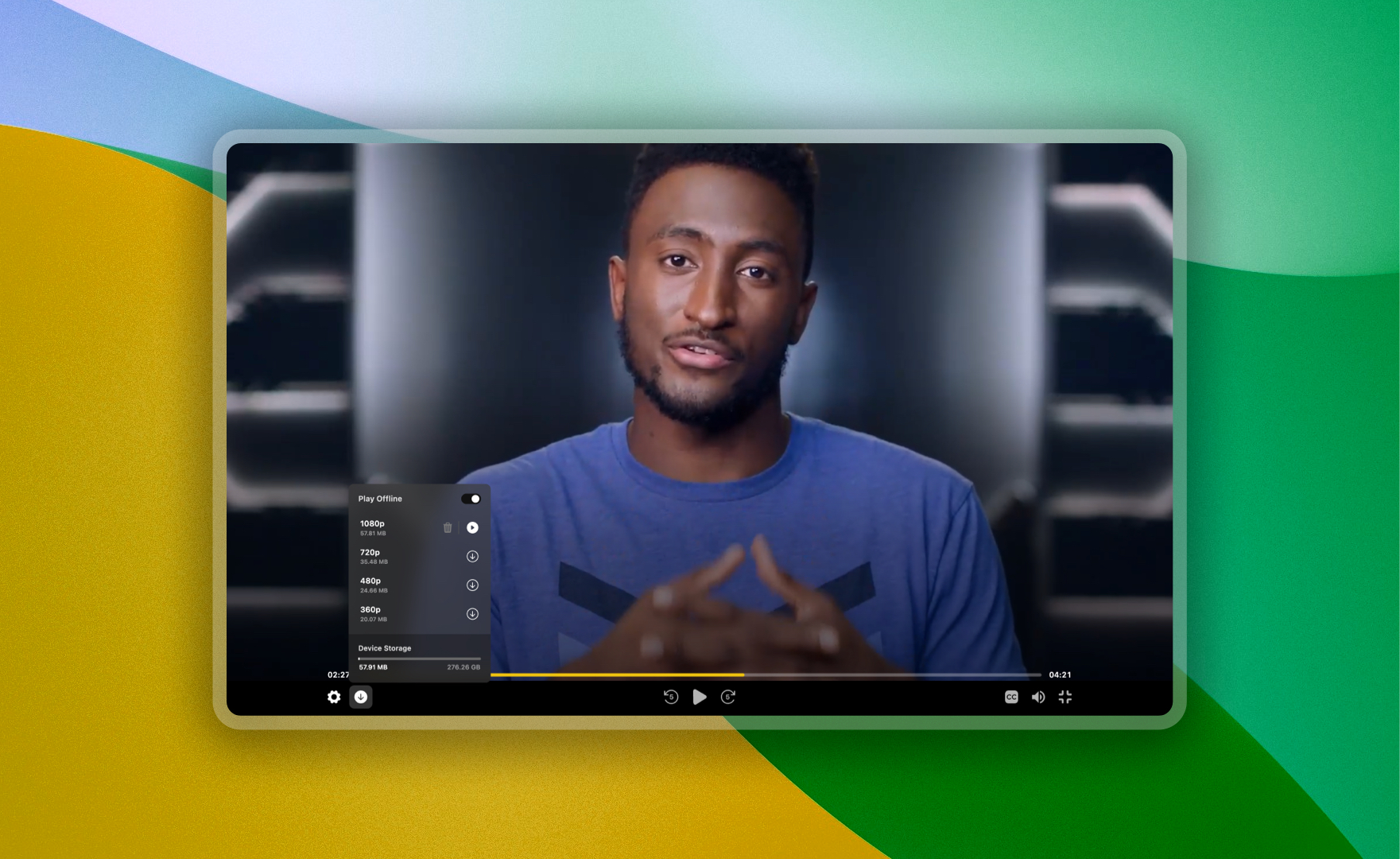
For the first time in Iran, Kavimo has enabled offline video playback in the browser environment, without requiring an app installation. This feature allows users to download videos directly in their browser and store them securely and encrypted on their device. This technology makes watching videos possible even with the weakest internet connection, without creating security risks or direct access to the original files.
- Security
Downloaded videos are stored and played in a completely secure, encrypted environment with no access to the original video file. You can be fully confident in the security of this feature.
- Always Online
To preserve the security of your videos, users must be connected to the internet when playing offline. However, after downloading the video, it will not consume their internet data during playback.
- Multiple Qualities
For user convenience and reduced internet consumption, offline playback is available separately for each quality level of videos. Users can download the quality they prefer and play it securely.
- Supported Devices
Offline playback is compatible with all desktop, mobile, and tablet operating systems. This feature works on up-to-date desktop browsers, Android version 5 and above, and iOS version 17.1 and above. All Android tablets and iPads support this feature as well.
- Activation
By default, offline playback is enabled for all your videos. If needed, you can enable or disable this feature from the Advanced Settings or the specific video's settings.
We hope that with this exciting feature, your users will no longer struggle with internet consumption and buying multiple data packages, saving on their costs. This way, users can watch your videos in high quality and without worrying about internet issues, completely offline.
Podcast (Audio Files)
Hearing Is Like Seeing…
In the new version of Kavimo's player, the ability to upload and play audio files as podcasts has been introduced. This feature allows you to support your audio files in various formats at qualities of 320, 128, and 64 kbps with adaptive bitrate support. The security of these files is fully guaranteed and they cannot be downloaded under any circumstances. This feature uses an audio file format and is completely different from video.
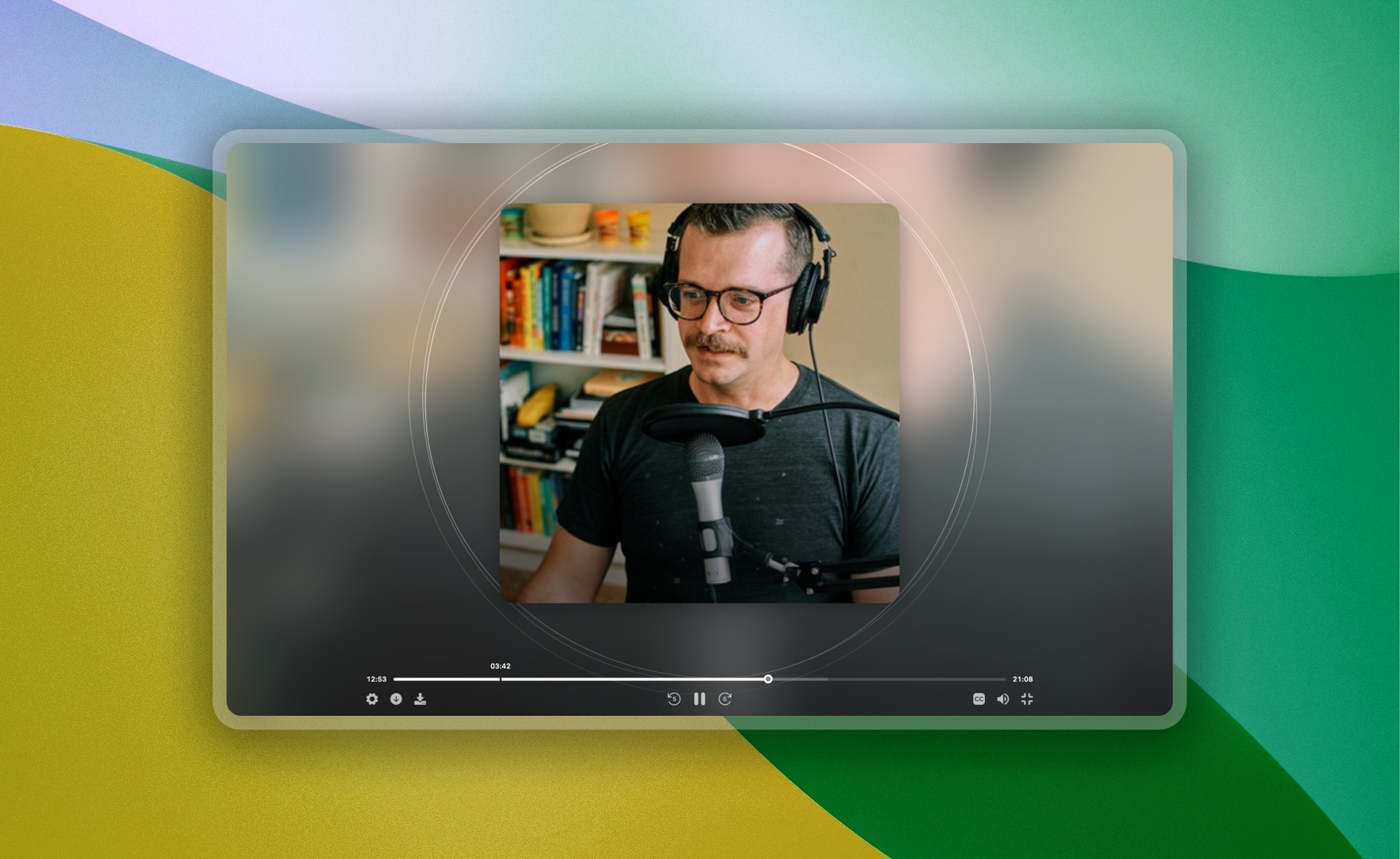
This feature is very practical for those interested in producing audio content. You can easily upload and sell your podcasts or audio files. Your users can also easily access this content and enjoy listening to it, without any security concerns.
In Kavimo, from now on, we will refer to every video or podcast as "media."
Chapters
What Minute Was That? I Can't Find It…
Another important feature of the new Kavimo player version is the ability to divide media into chapters. This feature allows you to split long-form media into different sections with specific titles. This division helps your users easily navigate to different parts of the media and get the most out of your content.
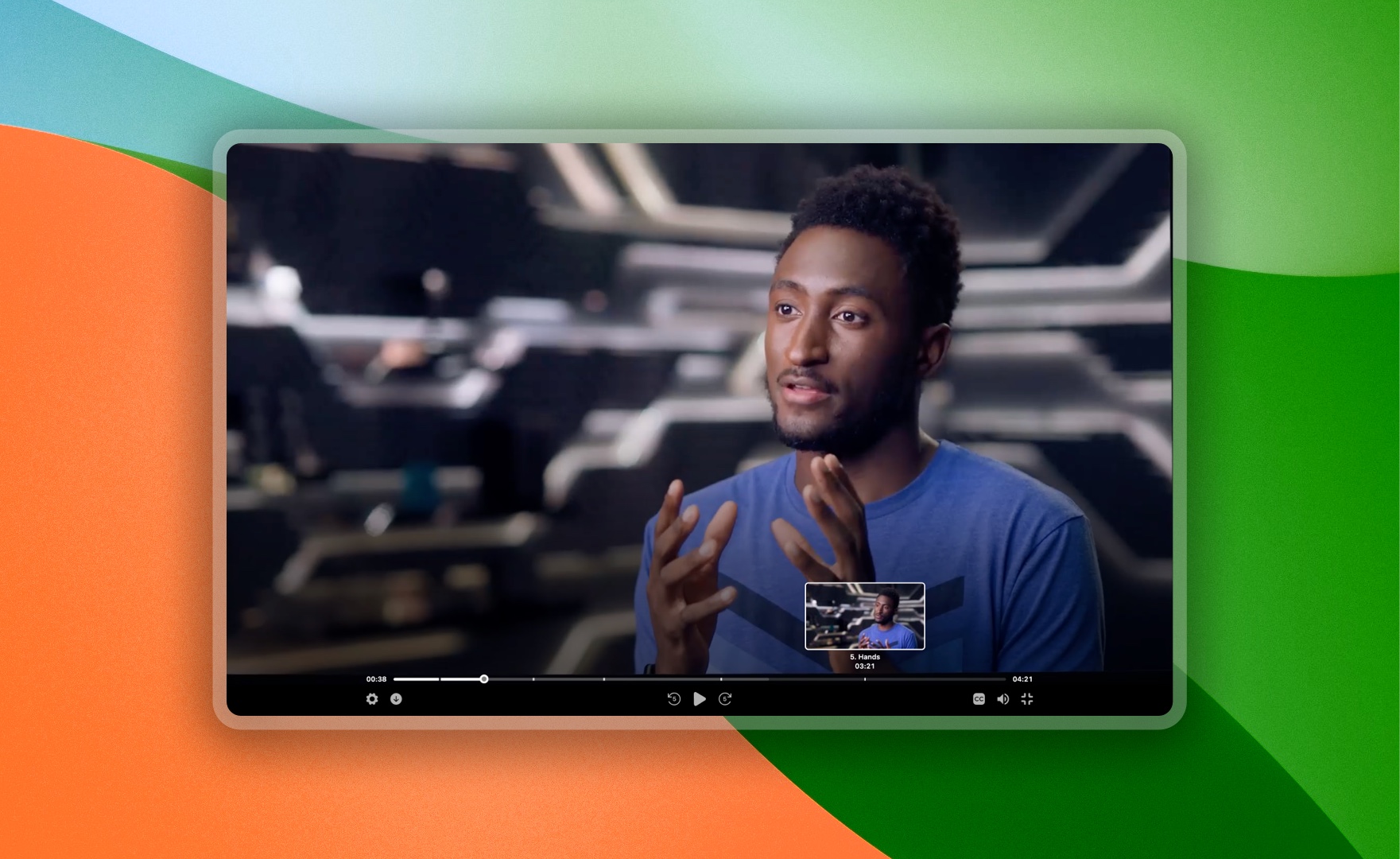
Dividing media into chapters not only helps users reach their desired sections faster, but also makes content management easier for you. You can provide different sections of the media with appropriate titles and descriptions and guide users to different parts. This feature is especially useful for educational media, webinars, and long-form content.
Customization
I Wish That Button Wasn't There :(
The new version of Kavimo's player provides users with unmatched customization options. You can adjust every detail of the player to suit your needs and preferences. From volume control and timeline display to play and pause buttons — everything is adjustable. These settings allow you to create a unique user experience for your audience.
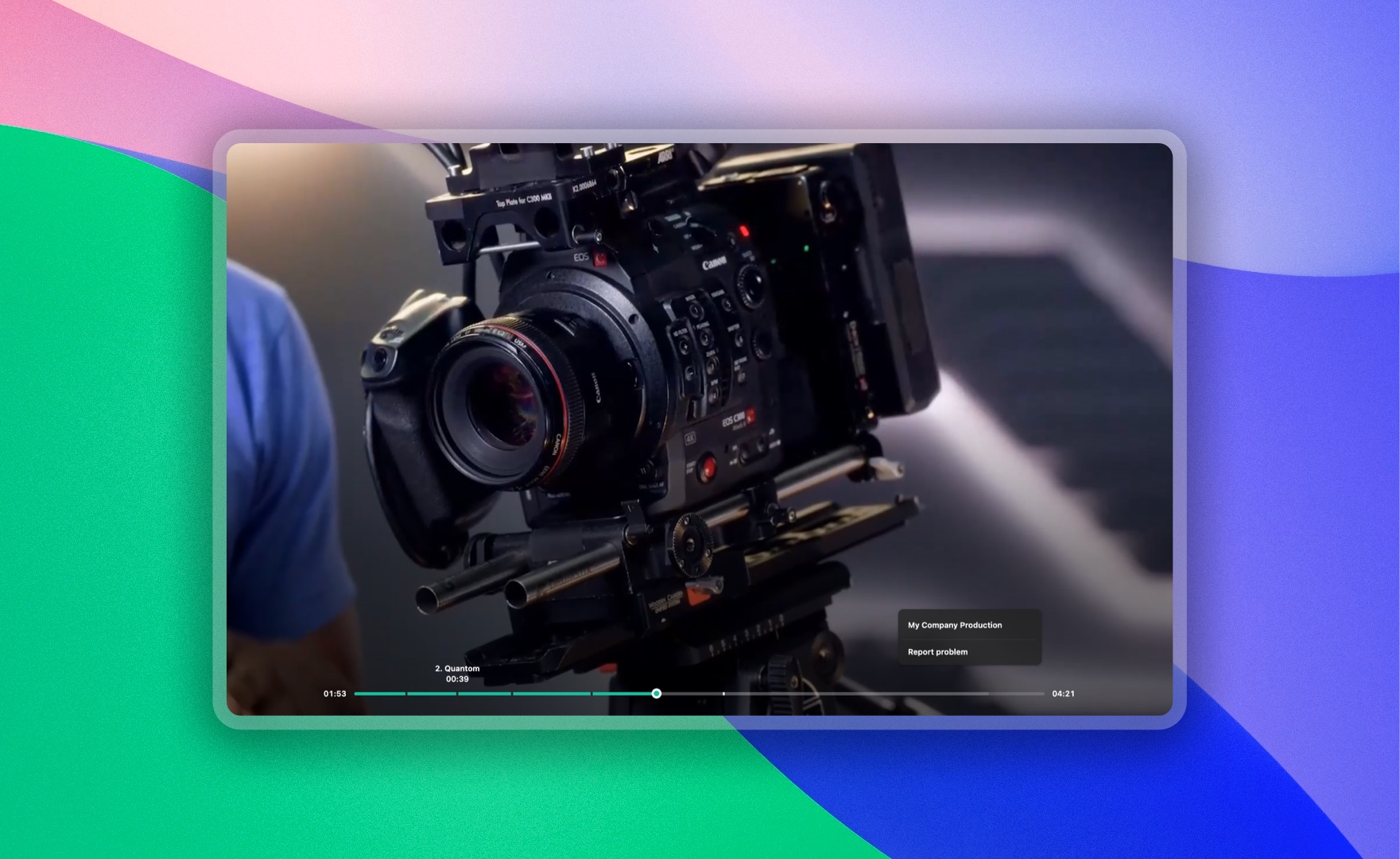
- Smart Color Selection
By choosing a color theme in the new Kavimo player, the system intelligently and automatically adjusts the colors of various player sections based on your selected color. This feature allows you to design the player according to your brand's visual identity and provide a unique user experience for your audience.
- Right-Click
In the new version, you can customize the right-click behavior on the player with your brand and website link. This means no Kavimo name or branding will appear in the player — your users will only see your brand. This feature allows you to deliver a fully customized player that aligns with your brand identity. This is especially useful for brands looking to create a unique, seamless experience for their users.
The customization feature not only lets you style the player as you like, but also allows you to configure the player's appearance and behavior separately for each piece of media. This way, you can provide a fully personalized experience for your users, increasing their satisfaction and engagement with your content.
New Dimensions and Aspect Ratios
Size Matters :)
Kavimo's player now supports vertical videos as well. This feature allows you to display videos recorded on mobile phones in portrait orientation — like Instagram Stories. This capability lets you display vertical videos in the best possible way and provide a better user experience for your audience.
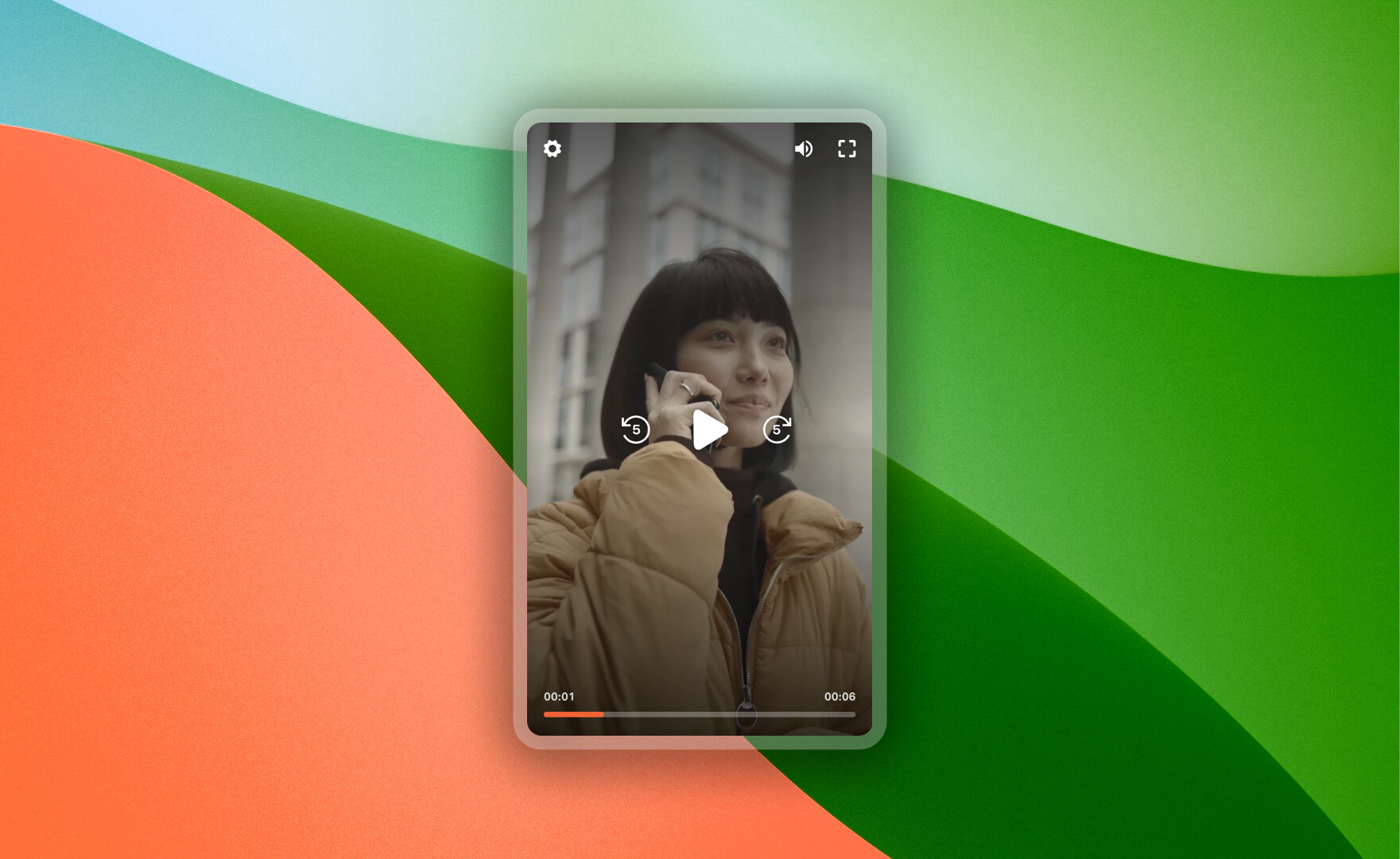
In addition, dynamic video resizing is also possible in this new version. You can change video sizes based on your needs and display them in different dimensions. This feature is especially useful for websites that offer diverse content, enabling optimal video display.
- Redesigned Popup Mode
In the new version, the Popup display mode allows you to display your media as a popup. This feature lets you present your media in an attractive and distinctive way, creating a unique experience for your users.
SEO (Search Engine Optimization)
Google, Please Notice Us.
One of the new features in Kavimo's player is the ability to optimize videos for search engines (SEO). By enabling this feature, your videos will be indexed by search engines like Google. This means your videos will appear in user search results, increasing their view counts.

The SEO feature allows you to introduce your media to search engines and attract more visitors. This feature is especially useful for videos published publicly. You can use this feature to introduce your content to a wider audience and increase your website traffic.
Security
Keep on Spinning…
The new version of Kavimo's player is designed with End-to-End Encryption to fully protect the security of your media. This encryption system ensures that your media files cannot be downloaded or copied under any circumstances. Furthermore, this encryption is active in all parts of the player and adapts to different devices.
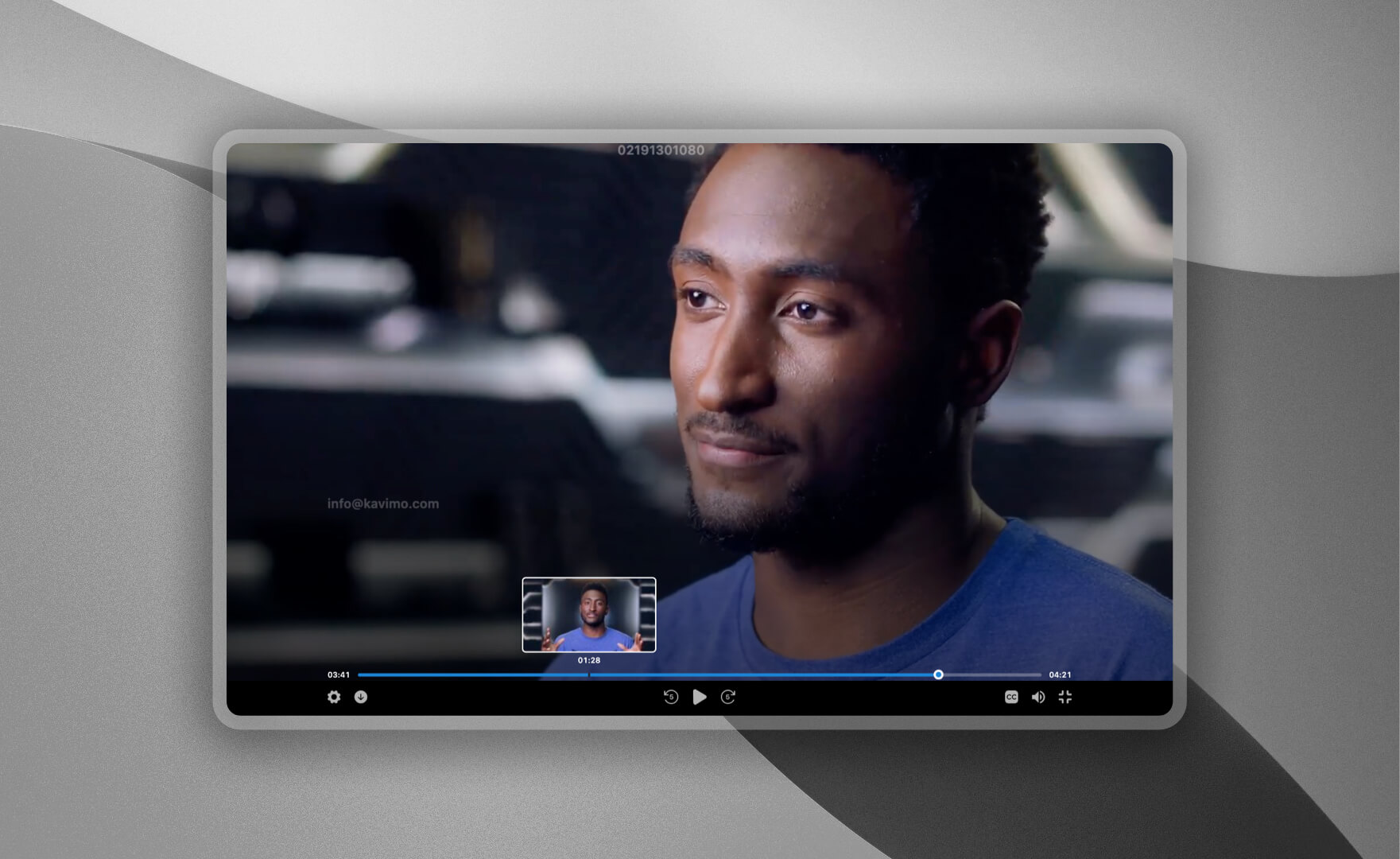
This level of security gives you the assurance that your content is protected against any security threats. Your users can also use your content with peace of mind, without worrying about file security. This feature is especially important and essential for sensitive and exclusive content.
- DRM Text (Embedding User Information During Playback)
The DRM Text feature has been improved in the new version to prevent potential bypass attempts. All known attack vectors and device-specific bugs have been fixed in this version. This gives you the assurance that your content is fully protected from screen recording, with no security concerns.
Fast and Convenient
Zoom Zoom…
Version 3 of Kavimo's player loads media five times faster than before. This means your users can load and watch media quickly without needing to wait. Kavimo's new algorithm ensures that media is displayed as fast as possible, even if there are many media items on your website page.
- Keyboard Shortcuts
Now with the new Kavimo version, you can manage all player features using keyboard shortcuts. This feature lets you use various player capabilities more easily and quickly, providing a better user experience.
- Synchronization with Various Gadgets and Browsers
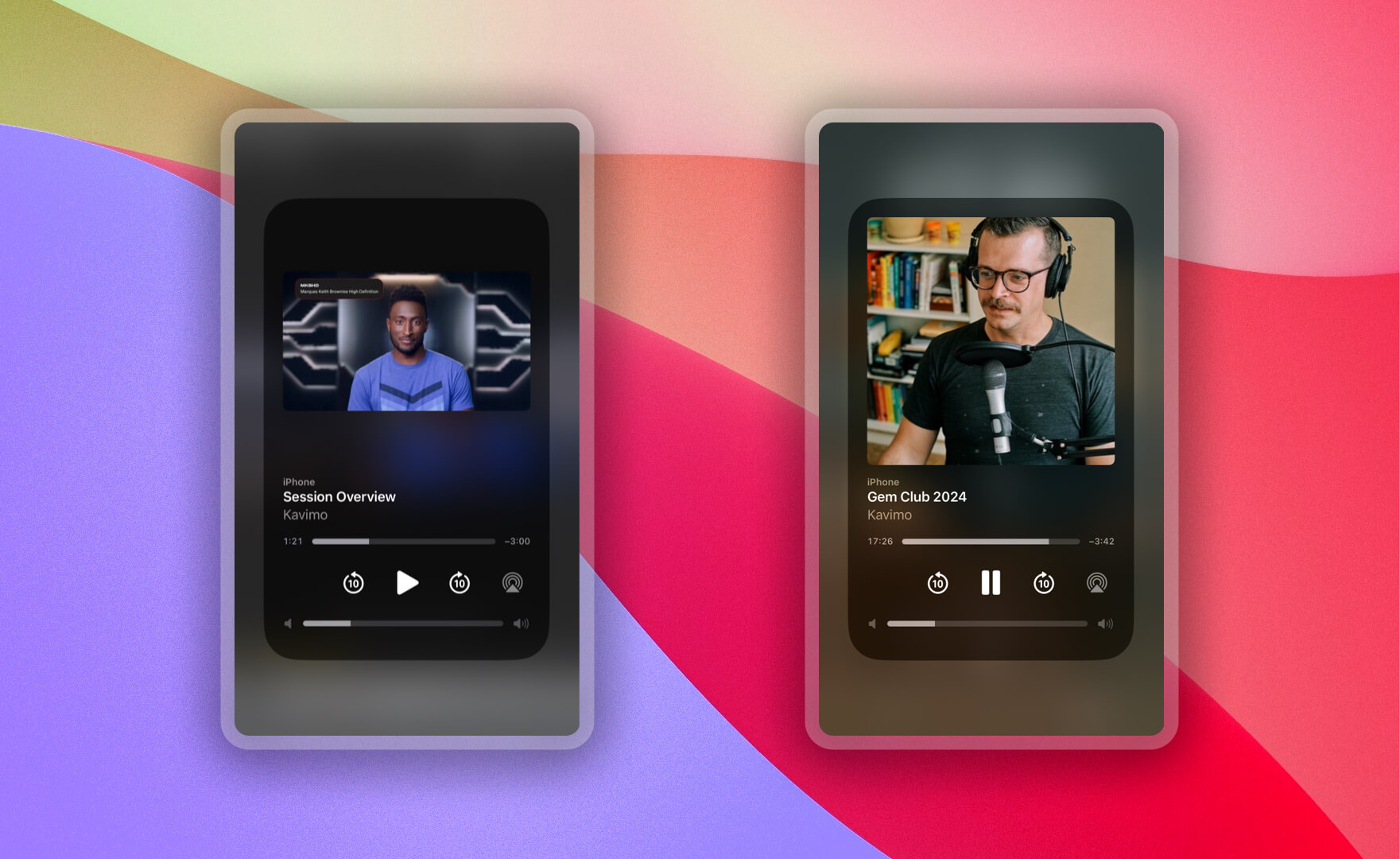
In the new version of Kavimo's player, the ability to manage playback and share media via Media Tool Box has been introduced. This allows you to play media, change the timeline, and even listen to video as audio — even with your mobile or tablet screen off.
API, SDKs
A Treat for Our Developer Friends
The new version of Kavimo's player, by providing a complete API and multiple SDKs for JavaScript frameworks and popular platforms, has significantly simplified the implementation process for developers. Using the Kavimo API, you can easily display and manage your media. Also, by leveraging SDKs designed for frameworks like React, Next.js, and Vue.js, you can integrate and display your media in these frameworks without any hassle.
This feature allows developers to focus on developing and improving user experience without worrying about technical issues. You can easily use all of Kavimo's player features and display your media in the best possible way. This feature is especially useful for development teams and developers looking for fast and efficient solutions.
Final Words
Until today, at Kavimo we have strived to be a pioneer and leader in the video and education industry, providing access to your videos and podcasts for all users in the best and most secure way possible. With the introduction of version 3 of Kavimo's new player, we have taken a big step toward achieving this goal. We continuously seek to adopt and integrate new technologies, and we look forward to a future full of new innovations.
So stay with us and look forward to Kavimo's next exciting updates!