H.264 Is Not a Codec!
Many of us have a mistaken understanding of the concept of Codec. For example, in many articles we refer to H.264 as a video codec — when it isn't one at all. Instead of Encoding, we use incorrect Persian equivalents like "encryption" or "encoding" (رمزگذاری/رمزنگاری). We treat Encryption as a synonym for Encoding. We assume mp4 is a type of video codec. Many of these mistakes have become so common they're hard to fault people for — but knowing is still better than not knowing. In this article, we want to briefly clear up the common misuses of these terms.
Understanding Encoding and Encryption
These two terms are often confused due to their similarity.
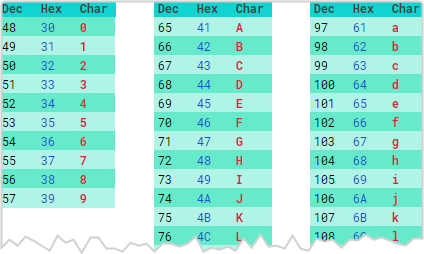
Encoding (coding or code-mapping) — sometimes confused with encryption — is the process of converting data from one form to another. The reverse of this operation is called Decoding. For example, data transmitted over the web is sent in binary form and then converted back to its original form at the destination through decoding. ASCII is a well-known example of encoding that converts English characters to numerical equivalents. Similarly, we have other encoding formats like Base64 and Unicode. Sign language for the deaf is a real-world example of encoding.
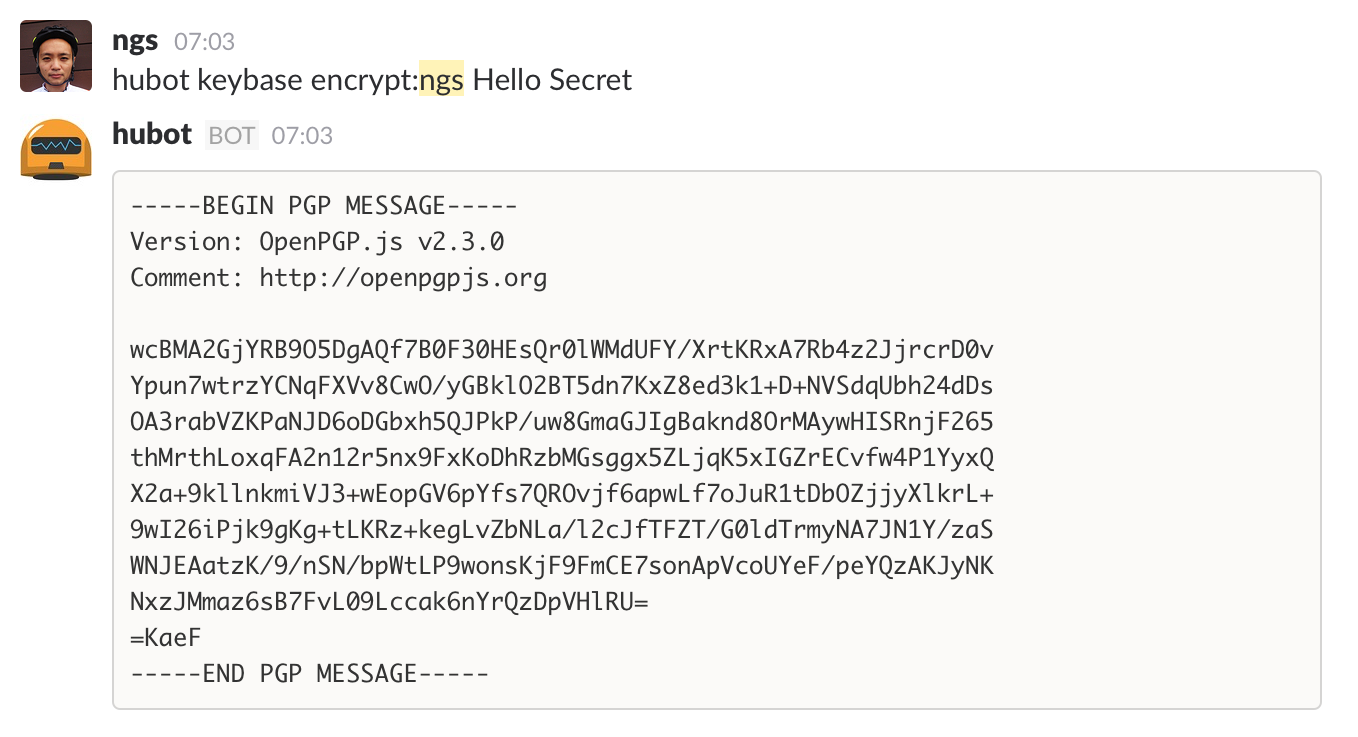
On the other hand, Encryption is the process of converting information into a format that only the intended recipient — with a decryption key — can access the original message. The reverse is called Decryption. Unlike encoding, encryption aims to hide information. Common encryption methods include AES and RSA. When you speak in code with a friend, you're performing encryption — because only they can understand what you mean.
What Is a Codec?
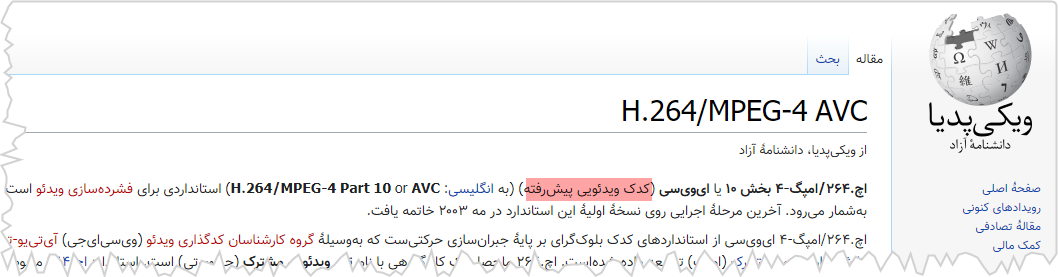
Codec is made up of the two words Coder/Decoder and refers to software or hardware that encodes and/or decodes an input signal or data stream. Contrary to popular belief, a codec is not an encoding method or algorithm — it is software or hardware that implements an encoding/decoding algorithm.
Another common mistake is referring to encoding formats in the video world as compression algorithms. This is partially true, since almost all video or audio encoding formats perform compression as part of their process; but the point is that we have encoding formats that involve no compression at all — for example, sign language, Morse code, or encoding techniques like NRZ and NRZI. Therefore, it's better to use the term "encoding format" rather than "compression algorithm."
A codec is the software or hardware implementation of an encoding format. For example, the x264 codec is the software implementation of the H.264 encoding format, and the image below shows a hardware implementation of it. So don't say "H.264 codec" — say "H.264 encoding format."

Sometimes encoding and decoding are done by two separate components called an encoder and a decoder, and sometimes both are built into a single unit (like the image above).
Some well-known video encoding formats that have become audio/video standards include: H264, H265, VP9, AV1, H266 — and some audio encoding formats: MP3, AAC, Vorbis, FLAC, Opus, G.722.
What Is a Container?
A Container or Wrapper is a file that allows multiple data streams to be stored within it. ZIP, MP4, and AVI are a few well-known containers we've all dealt with. An MP4 video can contain multiple subtitles and different audio tracks. A container is like a box — it stores various data inside. When you watch a film, video and audio play simultaneously. In online streaming, streams are usually broken into small pieces called chunks or segments. Each segment has a start and end time. All of this information is stored inside the container. The player reads this information to know when to decode and display each piece of video and audio, and how to synchronize them.

Some well-known media containers include: MP4, WebM, Matroska, MPEG-TS, FLV, and AVI. Among these, MPEG-TS is most commonly known by the .ts extension, and Matroska by the .mkv extension.
Note: Don't confuse the container with the file extension. A file extension is simply a convention that tells the operating system which software to use to open a file. To test this, remove the extension from a video file and open it with a player — it will play without any issue. What matters is the file's content; the extension isn't particularly important. However, when uploading files online, never remove the file extension — because online file validation and format detection typically rely on the file extension. Downloading a file and then checking its content takes more time than checking the extension.